Overview
This tutorial provides detailed usage of various geometric composite functions in virtual topology for ignoring minor geometries such as short edges/narrow faces in geometric models.
Functional Description
Composite Edges
Select multiple adjacent edges to combine, returning a new composite edge. The new edge's Tag is the original number of edges in the model plus 1. The original edges are retained but disabled in the model and can be removed via remove operations.
Composite Faces
Select multiple adjacent faces to combine, returning a new composite face. The new face's Tag is the original number of faces in the model plus 1. The original faces are retained but disabled in the model and can be removed via remove operations.
Composite Solids
Select multiple adjacent solids to combine, returning a new composite solid. The new solid's Tag is the original number of solids in the model plus 1. The original solids are retained but disabled in the model and can be removed via remove operations.
Interface Description
Interfaces
AddCompositeEntity
Composite edges, composite faces, and composite solids all use the AddCompositeEntity interface uniformly.
RemoveEntities
Remove composite edges, composite faces, and composite solids all use the RemoveEntities interface. Supports simultaneous removal of any combination of edges, faces, and solids, as well as any composite geometric elements. The removal operation will sequentially remove all geometric elements that have been composited with the target element. For example: FaceA and FaceB are composited into FaceC, FaceC and FaceD are composited into FaceE. When removing FaceC, both FaceE and FaceC will be removed.
Parameter Description
- Parameter std::vector<NMEntity> &entities represents the entities to be composited. The entities must have consistent dimensions and be adjacent (i.e., 1D can form connected edges, 2D can form connected regions, 3D can form connected composite solids).
- Parameter bool ignoreAdjSubEntity = true indicates whether to ignore adjacent sub-entities, default is true. This parameter has no effect for composite edges. For composite faces, it will ignore adjacent points. For composite solids, it will ignore adjacent edges and points.
Input Requirements
- Input entities must have consistent dimensions and be mutually adjacent.
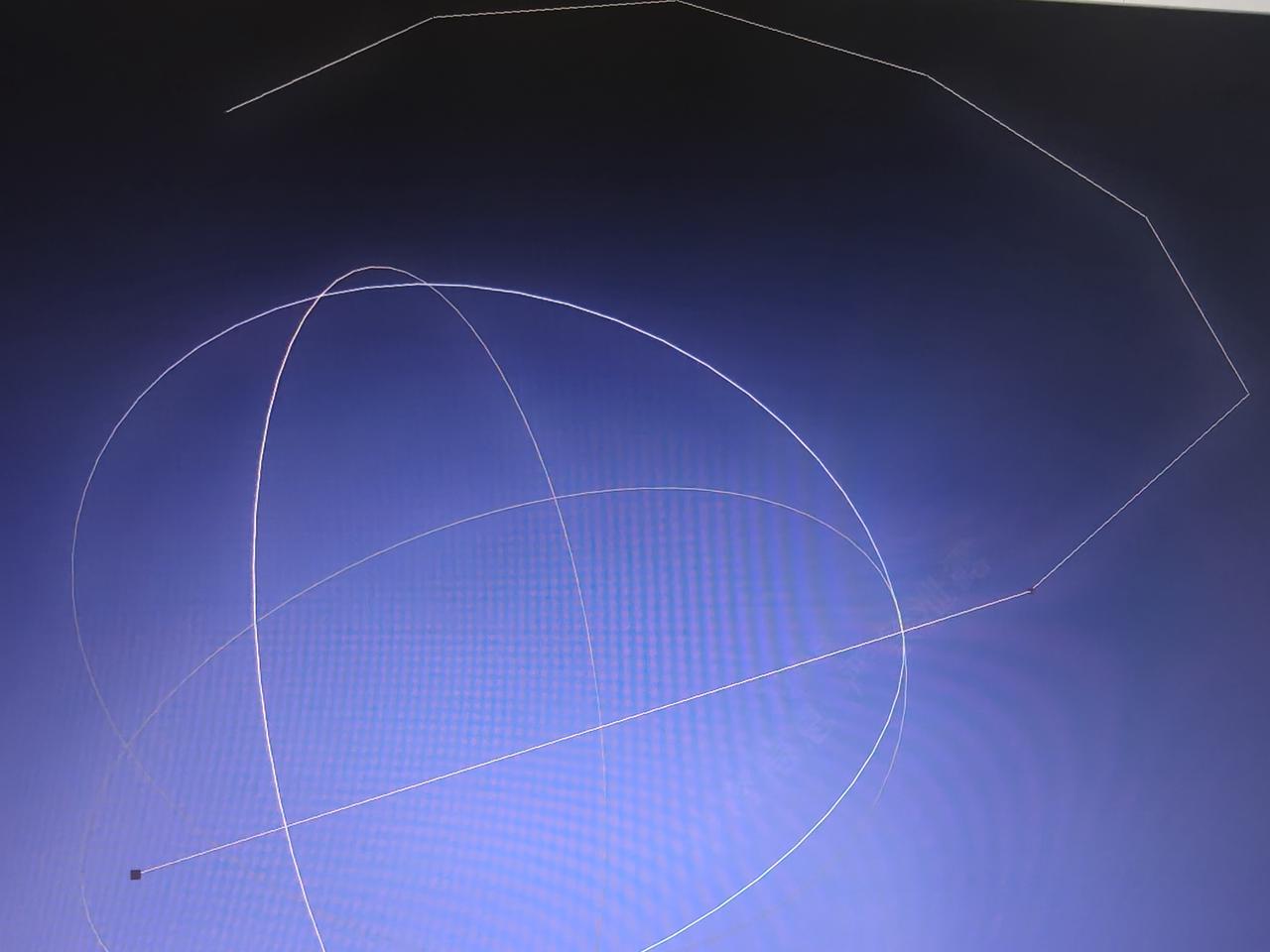
- After composition, dangling nodes must be avoided (composite edges: internal points of the composite edge must not have degrees other than 2; composite faces: internal edges of the connected region must not have degrees other than 2; composite solids: not applicable). Taking composite edges as an example (composite faces are similar): the left image shows that composition would produce dangling edges, which is not allowed; the right image shows that composition would not produce dangling edges, which is allowed.
Composite Operations
Composite Edges
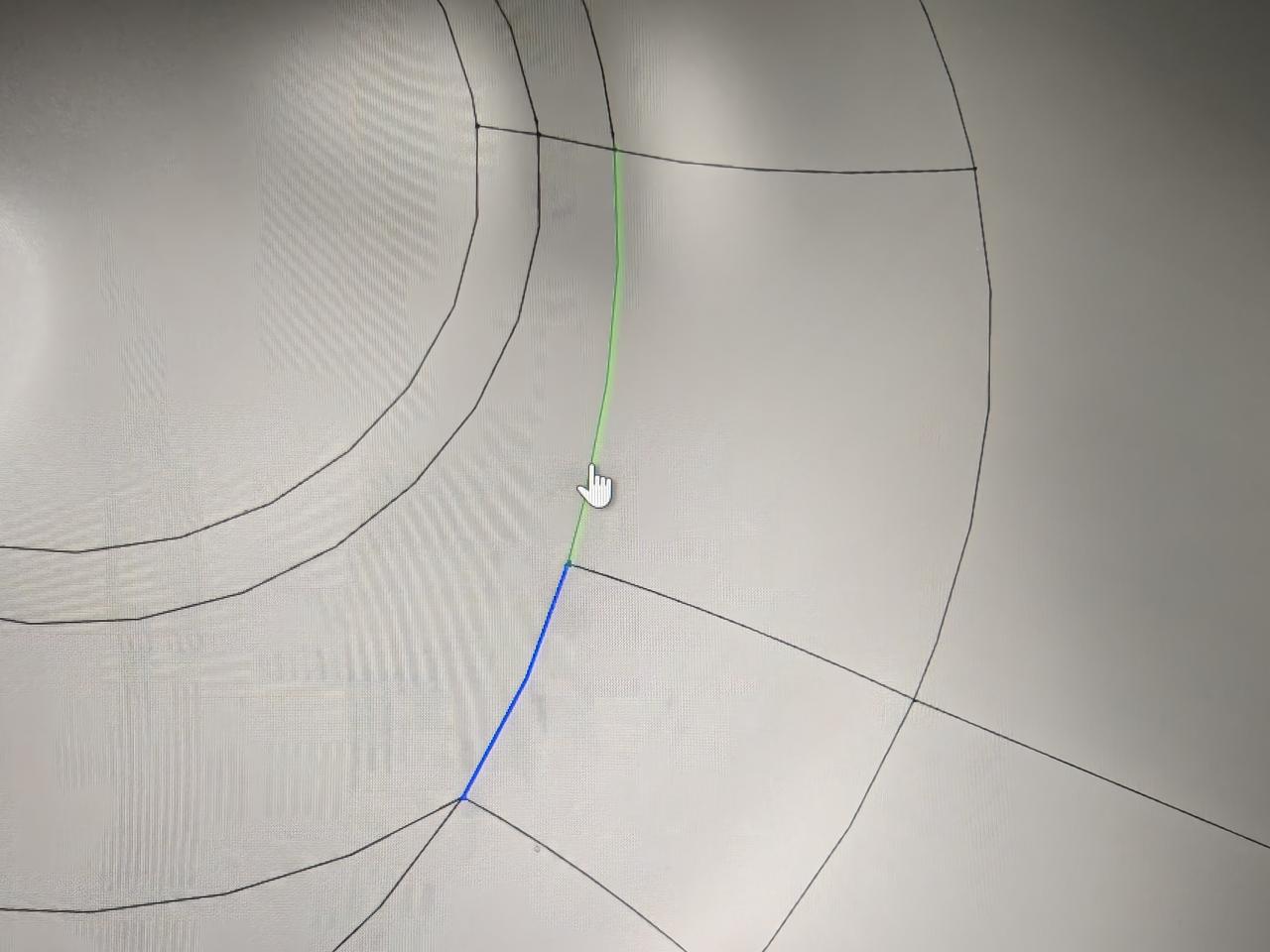
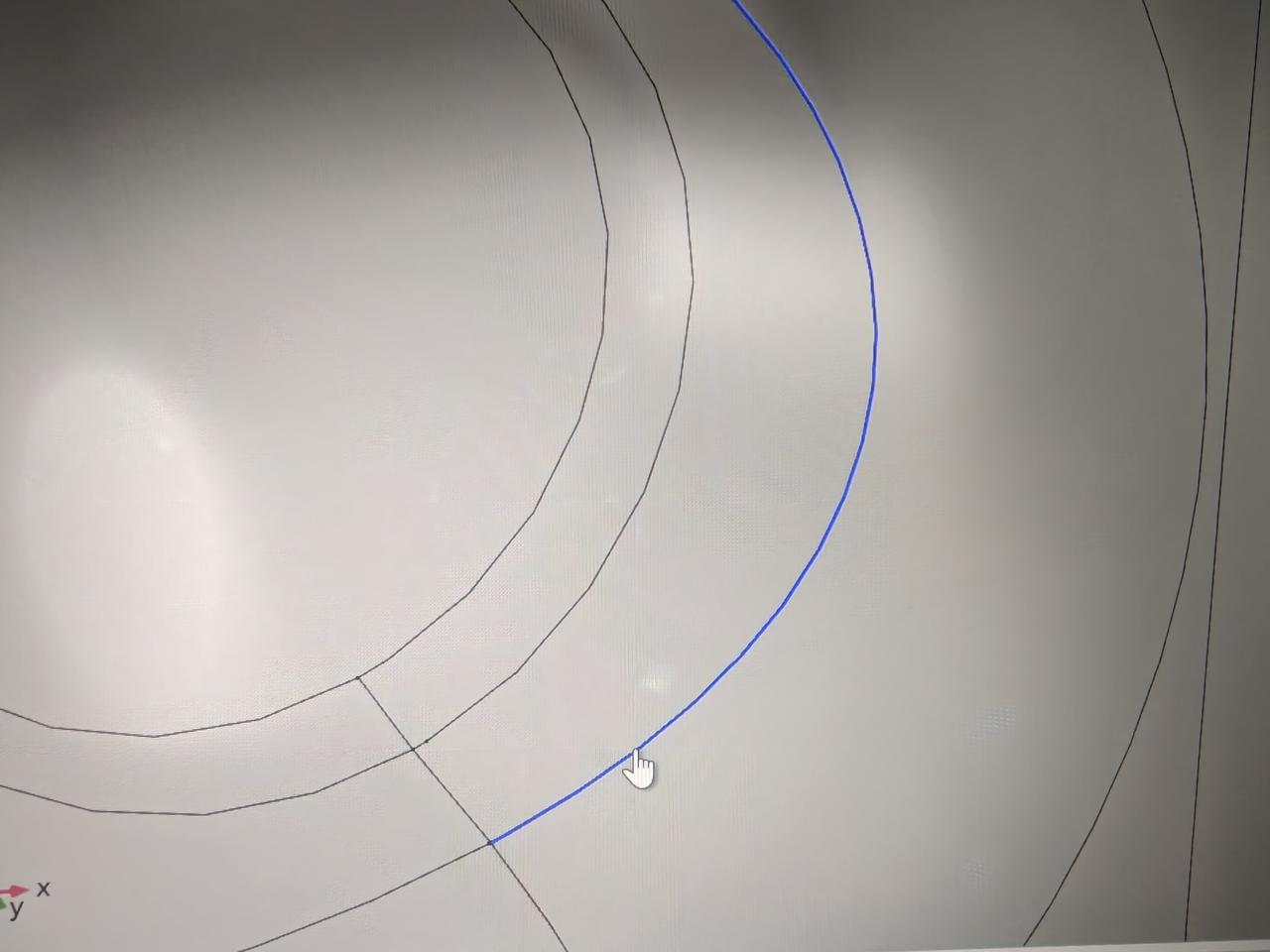
The model has short edge features, which are preserved when meshing edge grids.
const std::string cadstr = "./data/zhijiav1.brep";
const std::string jsonPath = "./data/param.json";
NMAPIModel nmapi;
NMAPIModel::InitLogger();
OCCTIO::OCCTTool::Read(shape, cadstr);
nmapi.ImportModel({ shape });
std::vector<NMEntity> composite_entitys_D1;
composite_entitys_D1.push_back(nmapi.GetEntity(DimType::D1, 210));
composite_entitys_D1.push_back(nmapi.GetEntity(DimType::D1, 211));
auto cpD1 = nmapi.AddCompositeEntity(composite_entitys_D1);
nlohmann::json paraJ = nlohmann::json::parse(std::ifstream(jsonPath));
paraJ["MeshSize"][0]["MeshingDim"] = 1;
paraJ["MeshSize"][0]["SelectedEntities"][0] = nmapi.EntityGetTag(cpD1);
nmapi.GenerateMesh(paraJ.dump());
auto meshapi = nmapi.GetMesh();
Base class of shape, containing an underlying shape with a location and an orientation.
Definition TopoShape.hpp:15
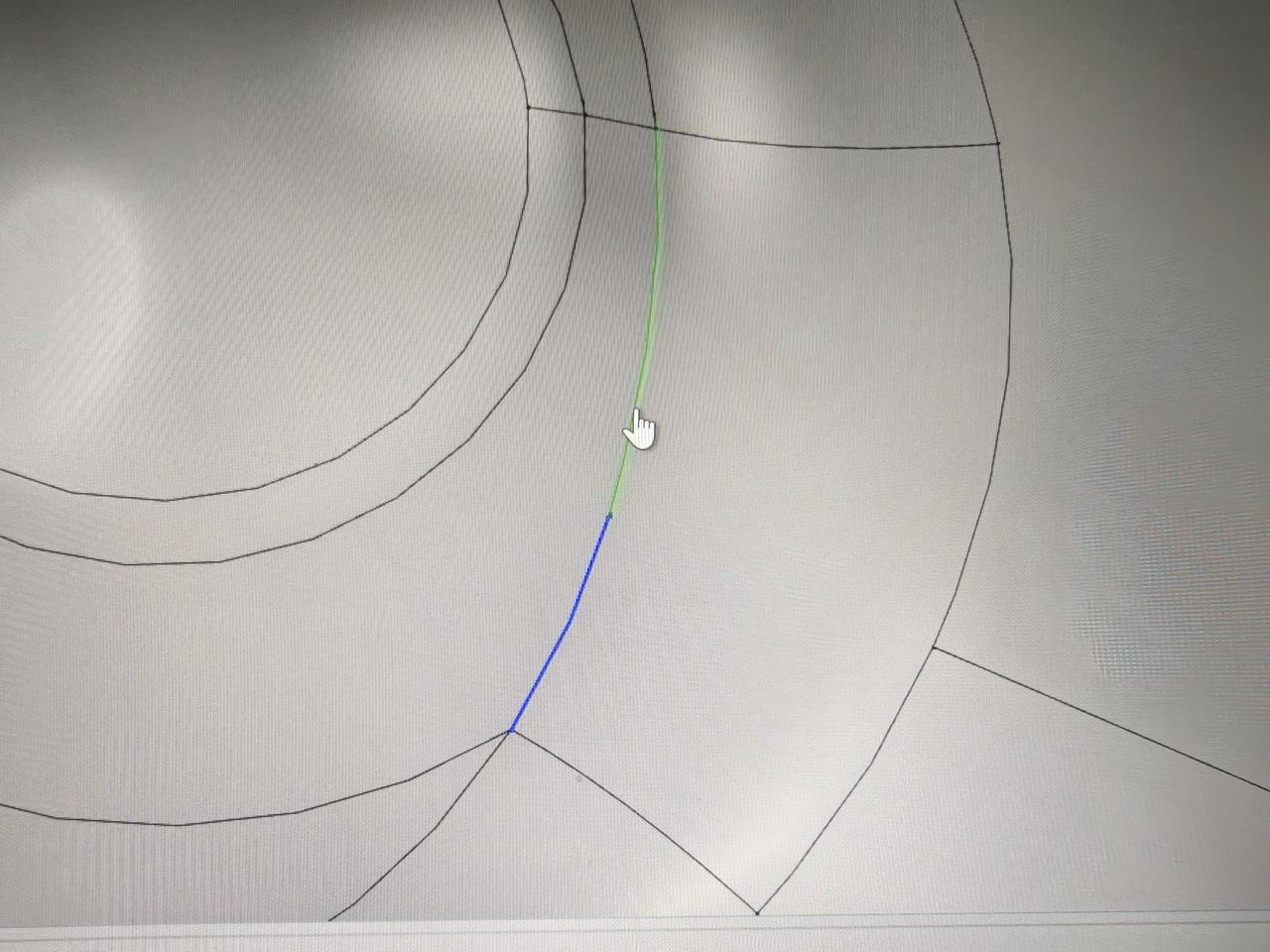
After compositing short edges, they disappear when meshing edge grids.
Click here example07 to get the full source code of the composite edge example. Everyone can download it as needed.
Composite Faces
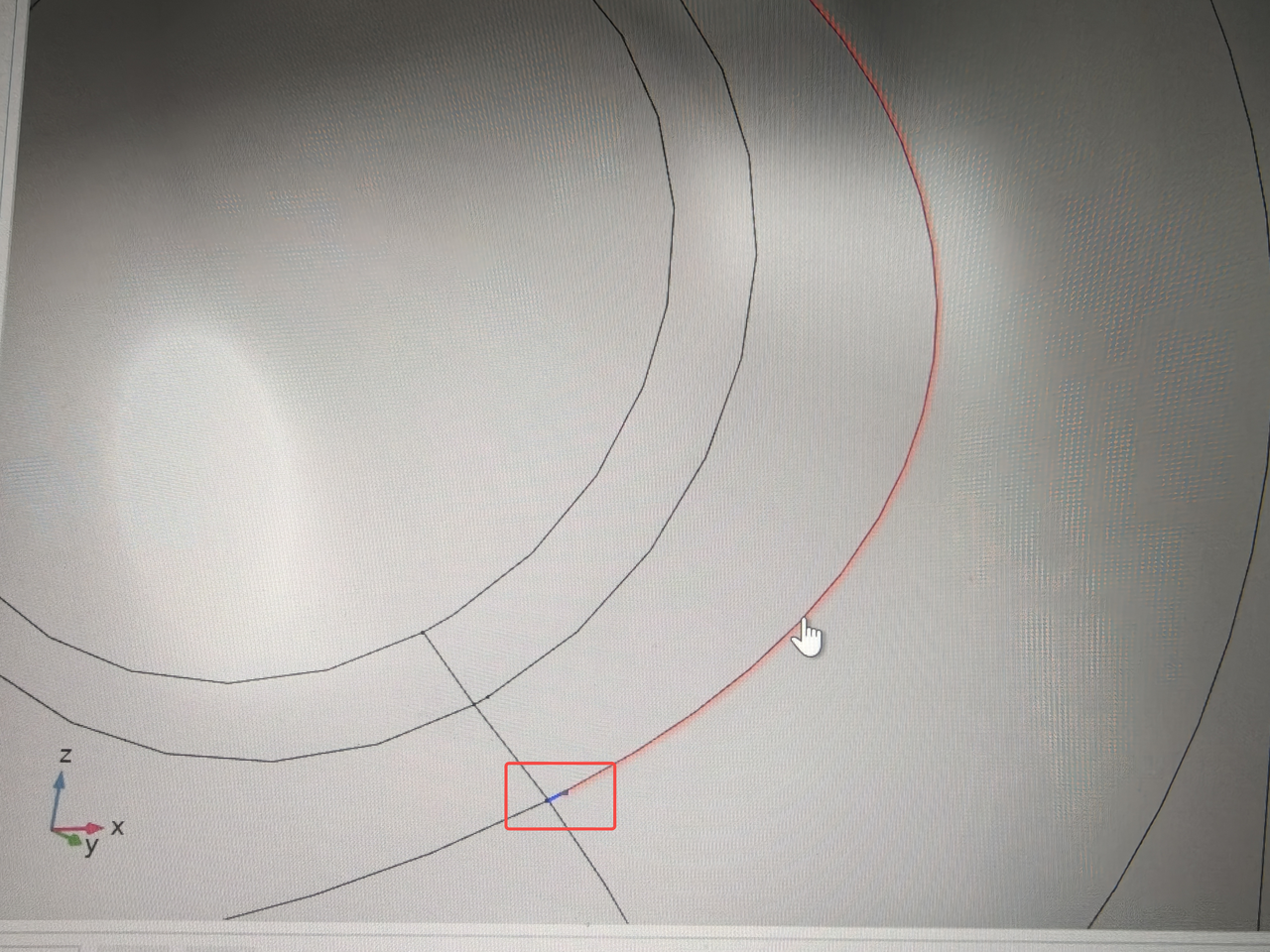
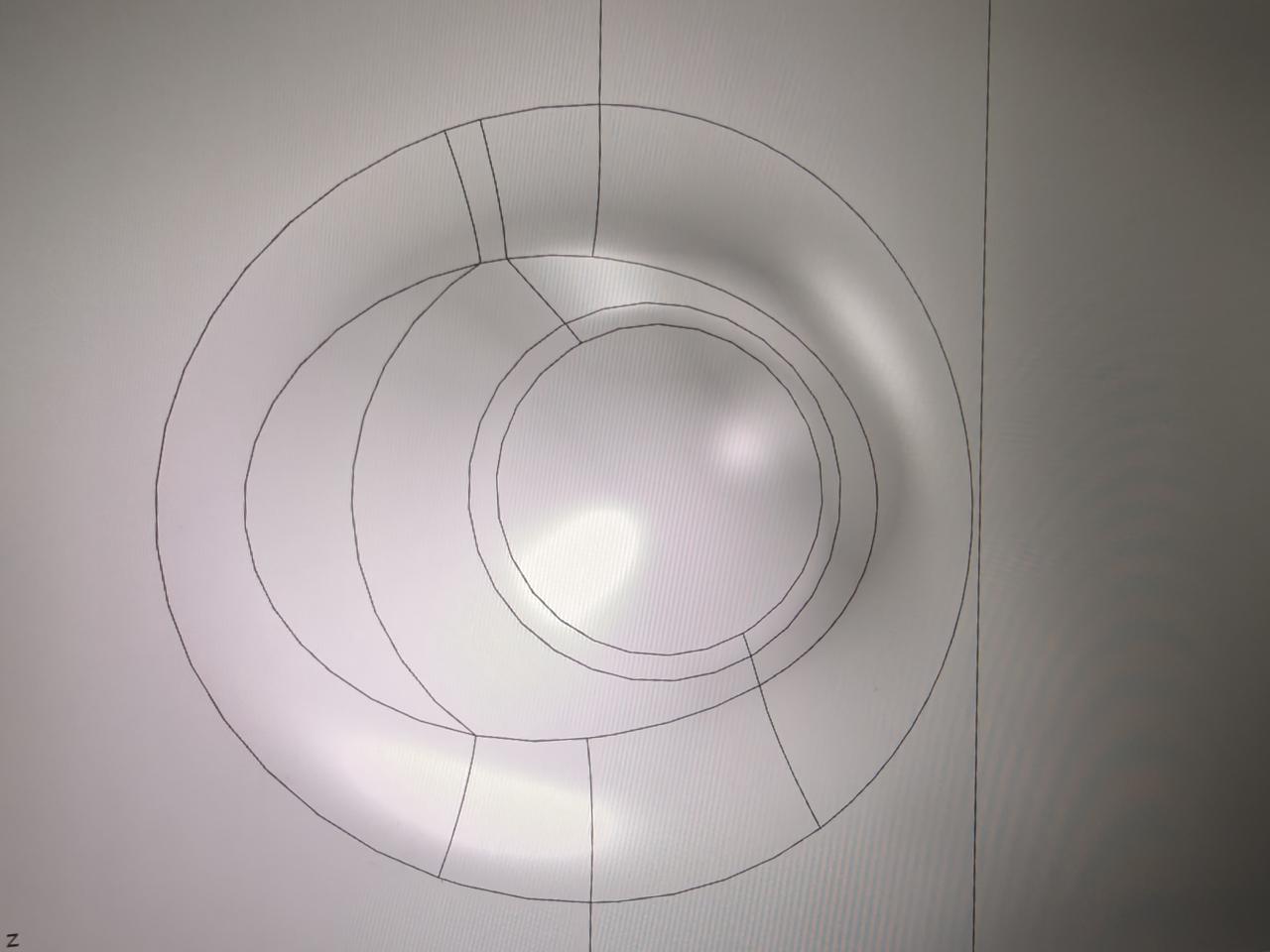
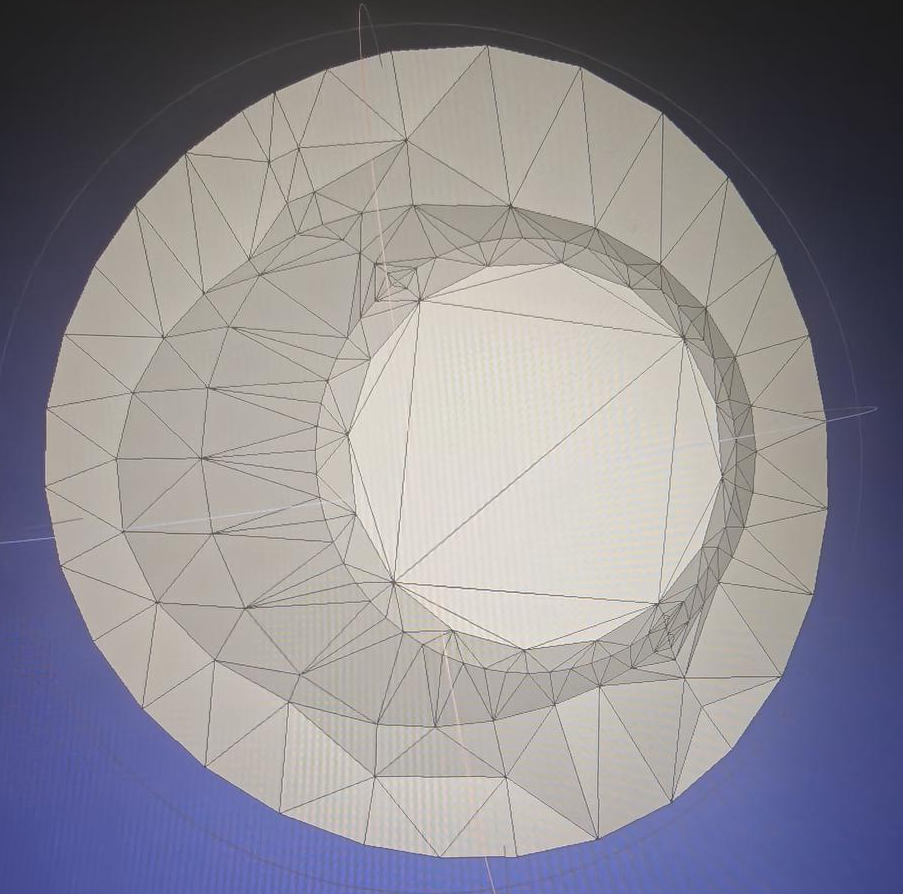
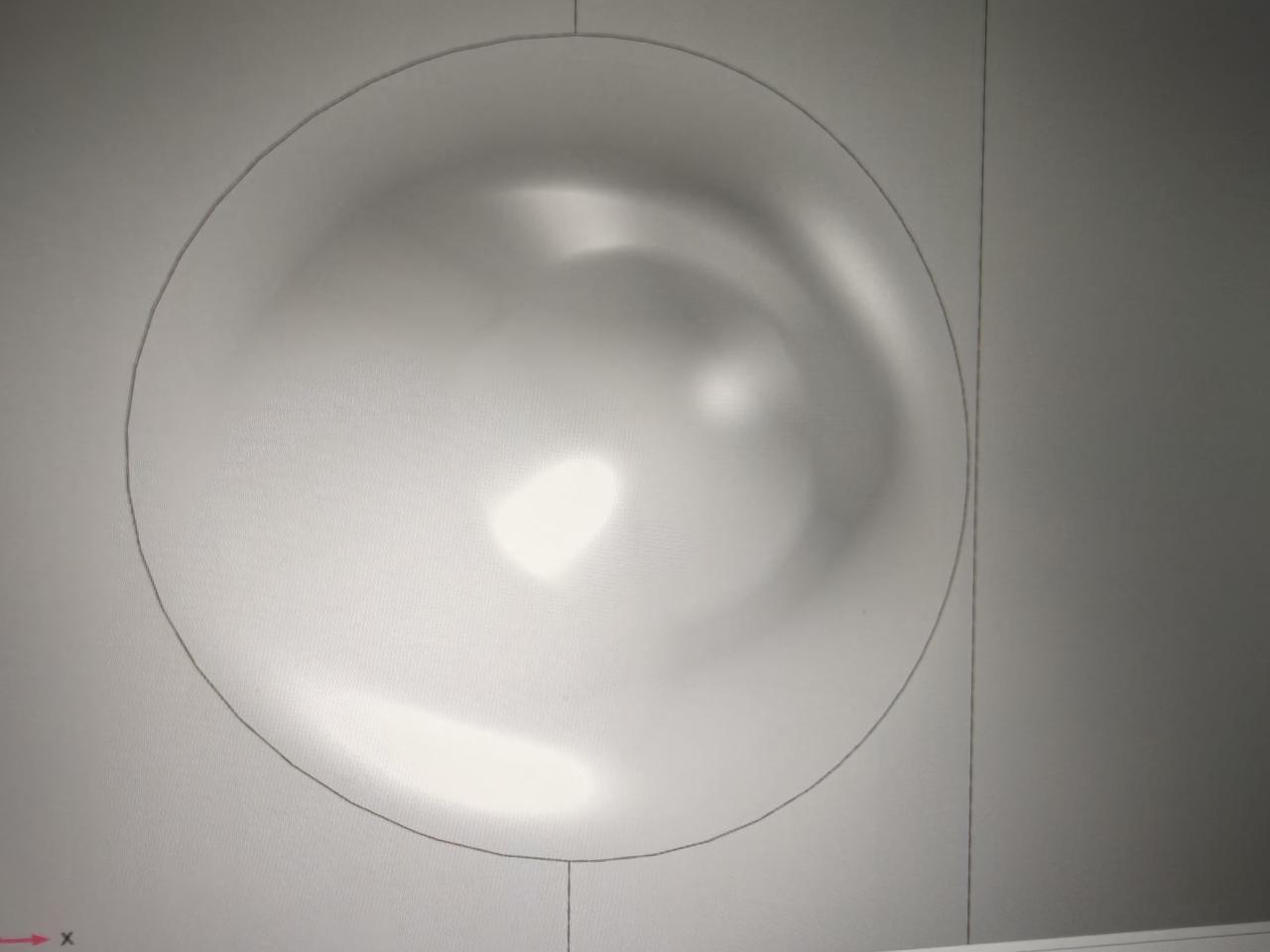
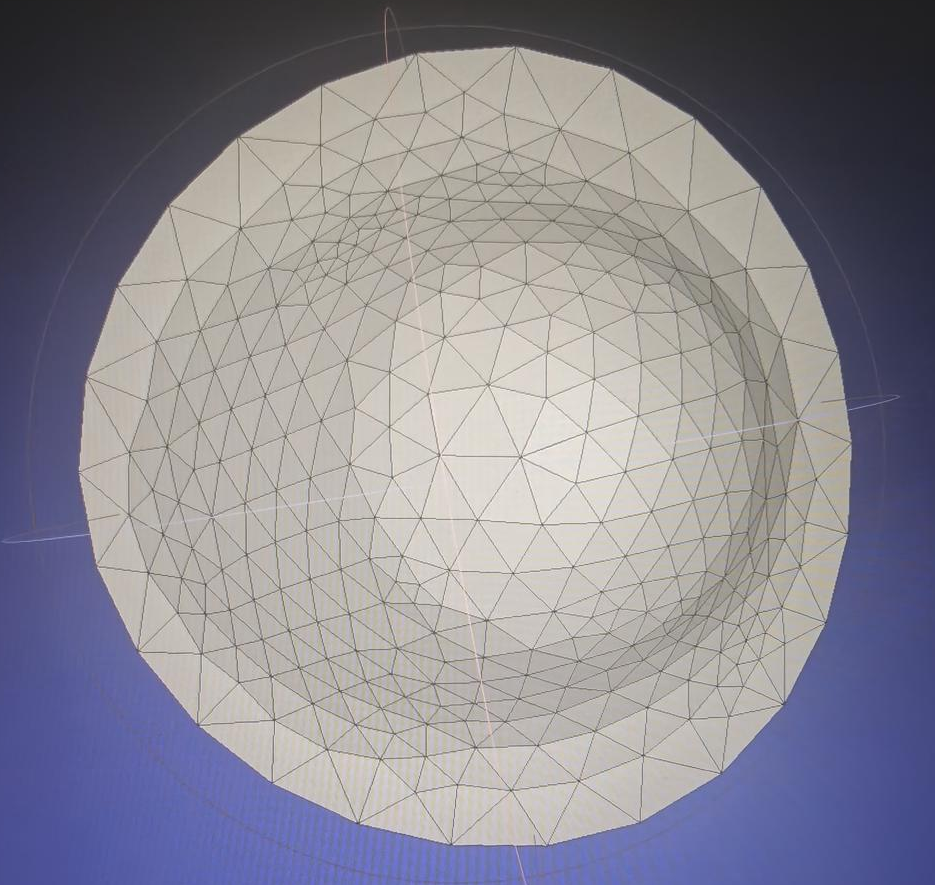
The model has multiple narrow faces, which are preserved when meshing face grids.
const std::string cadstr = "./data/zhijiav1.brep";
const std::string jsonPath = "./data/param.json";
NMAPIModel nmapi;
NMAPIModel::InitLogger();
OCCTIO::OCCTTool::Read(shape, cadstr);
nmapi.ImportModel({ shape });
std::vector<NMEntity> composite_entitys_D2;
composite_entitys_D2.push_back(nmapi.GetEntity(DimType::D2, 66));
composite_entitys_D2.push_back(nmapi.GetEntity(DimType::D2, 67));
composite_entitys_D2.push_back(nmapi.GetEntity(DimType::D2, 68));
composite_entitys_D2.push_back(nmapi.GetEntity(DimType::D2, 69));
composite_entitys_D2.push_back(nmapi.GetEntity(DimType::D2, 70));
composite_entitys_D2.push_back(nmapi.GetEntity(DimType::D2, 71));
composite_entitys_D2.push_back(nmapi.GetEntity(DimType::D2, 79));
composite_entitys_D2.push_back(nmapi.GetEntity(DimType::D2, 80));
composite_entitys_D2.push_back(nmapi.GetEntity(DimType::D2, 81));
composite_entitys_D2.push_back(nmapi.GetEntity(DimType::D2, 86));
composite_entitys_D2.push_back(nmapi.GetEntity(DimType::D2, 87));
composite_entitys_D2.push_back(nmapi.GetEntity(DimType::D2, 90));
auto cpD2 = nmapi.AddCompositeEntity(composite_entitys_D2);
nlohmann::json paraJ = nlohmann::json::parse(std::ifstream(jsonPath));
paraJ["MeshSize"][0]["MeshingDim"] = 2;
paraJ["MeshSize"][0]["SelectedEntities"][0] = nmapi.EntityGetTag(cpD2);
nmapi.GenerateMesh(paraJ.dump());
auto meshapi = nmapi.GetMesh();
After compositing narrow faces, they disappear when meshing face grids.
Click here example08 to get the full source code of the composite face example. Everyone can download it as needed.
Composite Solids
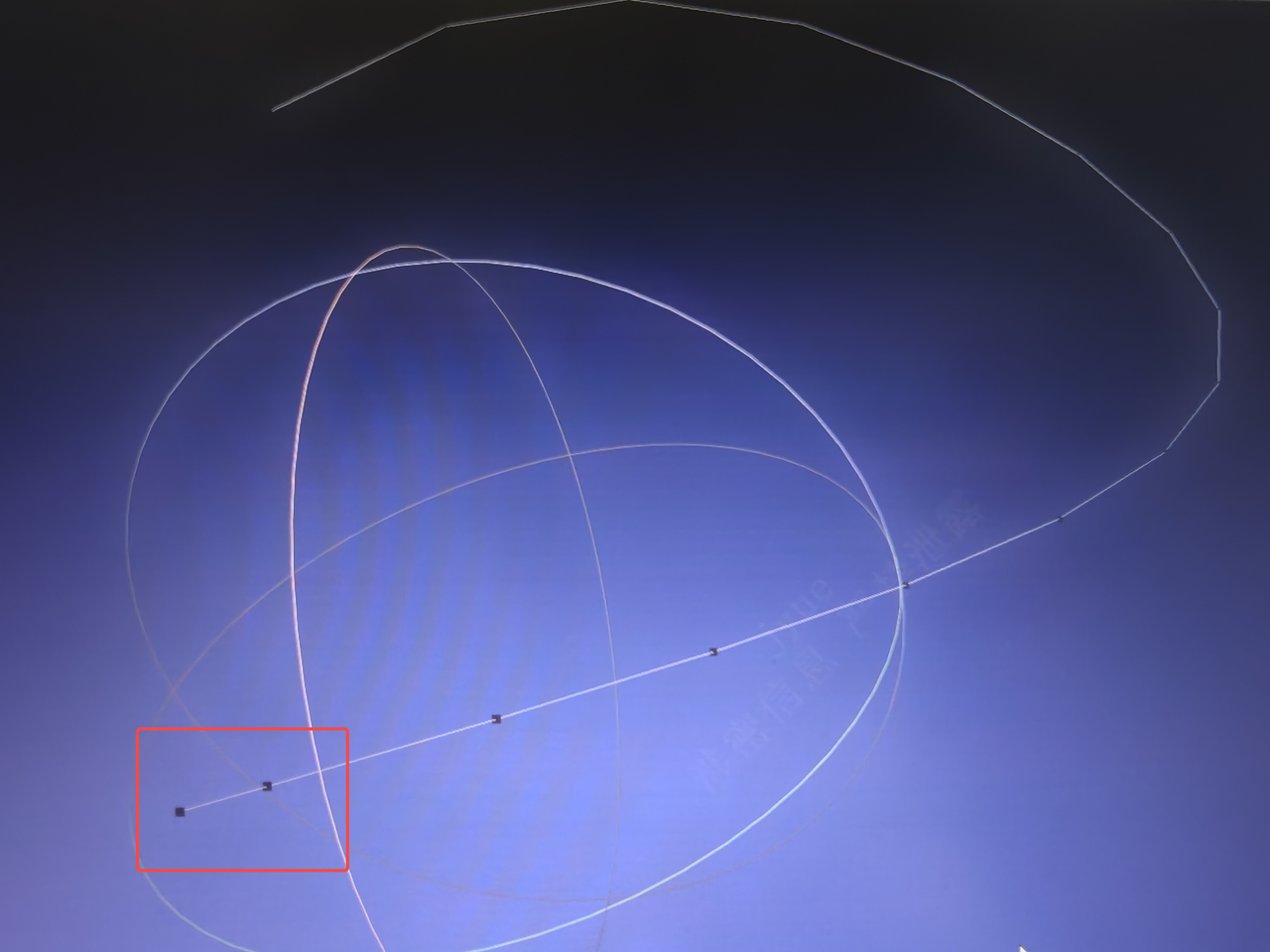
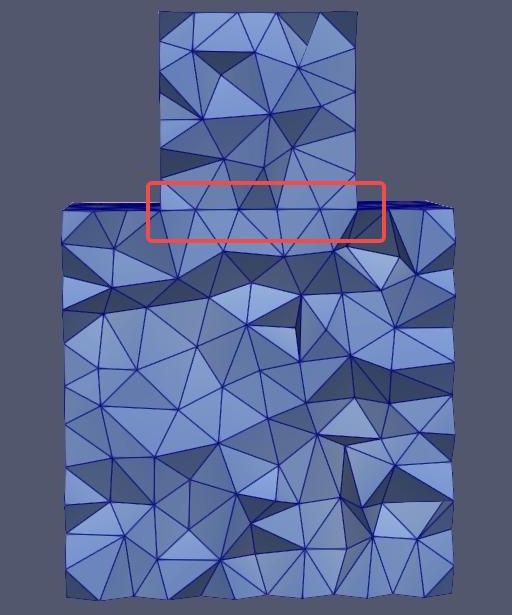
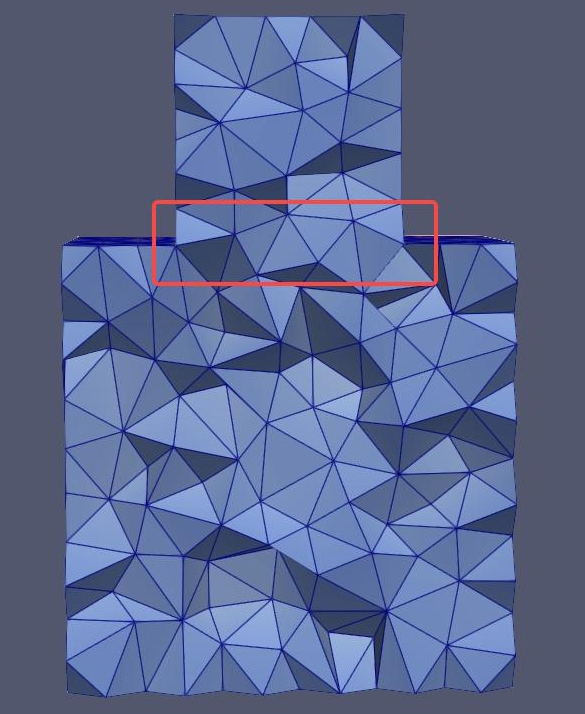
In the left figure, tetrahedral meshing is performed on two volume elements, and the intersecting face features are retained. In the right figure, the selected volumes are combined, and the intersecting face features disappear.
const std::string cadstr = "./data/imprint.brep";
const std::string jsonPath = "./data/param.json";
NMAPIModel nmapi;
NMAPIModel::InitLogger();
TopoShape shape;
OCCTIO::OCCTTool::Read(shape, cadstr);
nmapi.ImportModel({ shape });
std::vector<NMEntity> composite_entitys_D3;
composite_entitys_D3.push_back(nmapi.GetEntity(DimType::D3, 1));
composite_entitys_D3.push_back(nmapi.GetEntity(DimType::D3, 2));
auto cpD3 = nmapi.AddCompositeEntity(composite_entitys_D3, false);
nlohmann::json paraJ = nlohmann::json::parse(std::ifstream(jsonPath));
paraJ["MeshSize"][0]["MeshingDim"] = 3;
paraJ["MeshSize"][0]["SelectedEntities"][0] = nmapi.EntityGetTag(cpD3);
nmapi.GenerateMesh(paraJ.dump());
auto meshapi = nmapi.GetMesh();
Click here example09 to get the full source code of the composite solid example. Everyone can download it as needed.
Complete Example
The following is a complete example demonstrating how to call the composite function API for multiple nested composites, including the method of removing composite geometric elements.
#include <nlohmann/json.hpp>
#include <fstream>
int main()
{
const std::string cadstr = "./data/zhijiav1.brep";
const std::string jsonPath = "./data/param.json";
std::vector<NMEntity> composite_entitys_D11;
composite_entitys_D11.push_back(nmapi.
GetEntity(DimType::D1, 210));
composite_entitys_D11.push_back(nmapi.
GetEntity(DimType::D1, 211));
std::vector<NMEntity> composite_entitys_D21;
composite_entitys_D21.push_back(nmapi.
GetEntity(DimType::D2, 66));
composite_entitys_D21.push_back(nmapi.
GetEntity(DimType::D2, 67));
composite_entitys_D21.push_back(nmapi.
GetEntity(DimType::D2, 68));
composite_entitys_D21.push_back(nmapi.
GetEntity(DimType::D2, 69));
composite_entitys_D21.push_back(nmapi.
GetEntity(DimType::D2, 70));
composite_entitys_D21.push_back(nmapi.
GetEntity(DimType::D2, 71));
composite_entitys_D21.push_back(nmapi.
GetEntity(DimType::D2, 79));
composite_entitys_D21.push_back(nmapi.
GetEntity(DimType::D2, 80));
composite_entitys_D21.push_back(nmapi.
GetEntity(DimType::D2, 81));
composite_entitys_D21.push_back(nmapi.
GetEntity(DimType::D2, 86));
composite_entitys_D21.push_back(nmapi.
GetEntity(DimType::D2, 87));
composite_entitys_D21.push_back(nmapi.
GetEntity(DimType::D2, 90));
std::vector<NMEntity> composite_entitys_D12;
composite_entitys_D12.push_back(nmapi.
GetEntity(DimType::D1, 157));
composite_entitys_D12.push_back(nmapi.
GetEntity(DimType::D1, 158));
std::vector<NMEntity> composite_entitys_D22;
composite_entitys_D22.push_back(nmapi.
GetEntity(DimType::D2, 33));
composite_entitys_D22.push_back(nmapi.
GetEntity(DimType::D2, 34));
composite_entitys_D22.push_back(nmapi.
GetEntity(DimType::D2, 35));
composite_entitys_D22.push_back(nmapi.
GetEntity(DimType::D2, 36));
std::vector<NMEntity> composite_entitys_D23;
composite_entitys_D23.push_back(cpD21);
composite_entitys_D23.push_back(cpD22);
nlohmann::json paraJ = nlohmann::json::parse(std::ifstream(jsonPath));
paraJ[
"MeshSize"][0][
"SelectedEntities"][0] = nmapi.
EntityGetTag(cpD23);
meshapi.Write("./zhijiav1.obj", OutFileType::OBJ, outp);
}
Class of model in NextMesh.
Definition NMAPIModel.hpp:22
AMCAX_API void ImportModel(const std::vector< NMShape > &shapes, const bool replace=true)
Load a cad model represented by AMCAX TopoShape. Note: this import method does not specify any entity...
AMCAX_API void GenerateMesh(const std::string &configJson)
Generates the mesh for the current model based on provided configuration parameters.
AMCAX_API EntTag EntityGetTag(const NMEntity &ent)
get the tag of the given entity
AMCAX_API NMMesh GetMesh()
Get the mesh handle. Note one model only holds a unique mesh.
AMCAX_API NMEntity GetEntity(const DimType dim, const EntTag etag)
get the entity handle by entity tag and dimension
static AMCAX_API void InitLogger(const std::string &logFileName="", const std::string &logPattern="[%Y-%m-%dT%X%z] [%l] %v", const int64_t logFileSize=20 *1024 *1024, const int maxLogFiles=100)
set the logger. the logger is closed by default, if this function is not called
AMCAX_API NMEntity AddCompositeEntity(const std::vector< NMEntity > &entities, bool ignoreAdjSubEntity=true)
Generate a composite entity by ignoring the boundary entities between the connected input.
Namespace of all interface in the AMCAX NextMesh module.
Definition misc.docu:42
Namespace of all interface in the AMCAX kernel.
Definition misc.docu:8
Control parameters for exporting file.
Definition Macros.hpp:120
Click here example10 to get the full source code of the complete example. Everyone can download it as needed.


 1.13.2